Import using the ReadShape Kindle Sync Extension
1. Install the "ReadShape Kindle Sync" browser extension
Install it for your specific browser:
2. Run the extension & authenticate
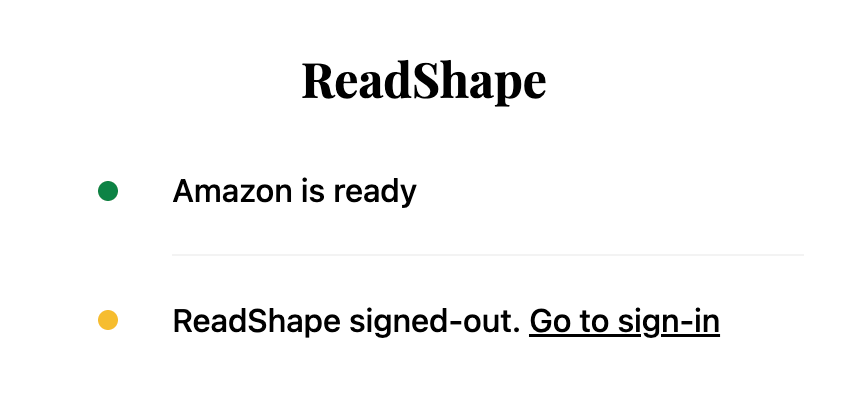
If you're not authenticated with Amazon or ReadShape, you will be asked to do so.
3. Review the book details
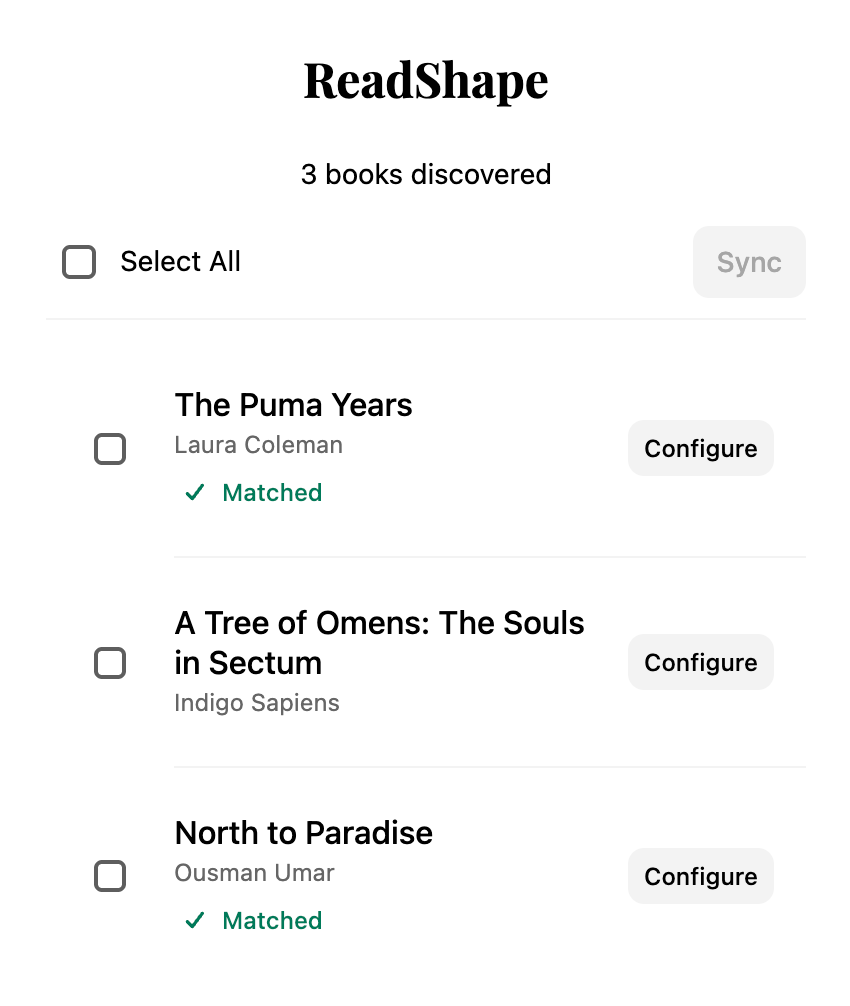
Once you're authenticated, the extension will display a list of books it found.
💡 Note: ReadShape will automatically try to match the amazon details with our database in order to find the cover, full author list, and other details.
However, sometimes we might need help. In such cases the "Matched" text will not be displayed. You are encouraged to help us out by tapping "Configure" and modifying the details.
4. Sync
That’s it! Once you're happy with all the details, tap sync and the extension will automatically add your highlights to ReadShape.